Page text
AN/DN NBLAST left/right comparison proofreading flags
Step 1: Open sheet.
Step 2: Find an index with ‘0’ in BOTH the ‘comparison_root_id_latest’ and ‘comparison_root_id’ columns. (Starts at index 484)
Step 3: Put your name(first) and date(after competition) in column ‘M’ and ‘N’ respectively.
Step 4: Open the hyperlink from ‘K’ column.
Step 4a: Deselect and reselect the segment you are proofreading to ensure you have an updated segment.
Step 5: Begin proofreading. Try to only spend 20-45 mins per cell - Unless it’s quite large and needs more time.
Step 6: Once you have proofread all you can, use columns ‘P’ and ‘Q’ to select the drop down choices that match.
P Column Choices
‘Proofreading needed’: Cell needed proofreading. (likely the case)
‘Not a good match (Cells are from different types)’: Please do NOT use this tag since there will only be one cell to proofread.
‘Can't find any proofreading error’: If there are no errors to fix.
Q Column Choices
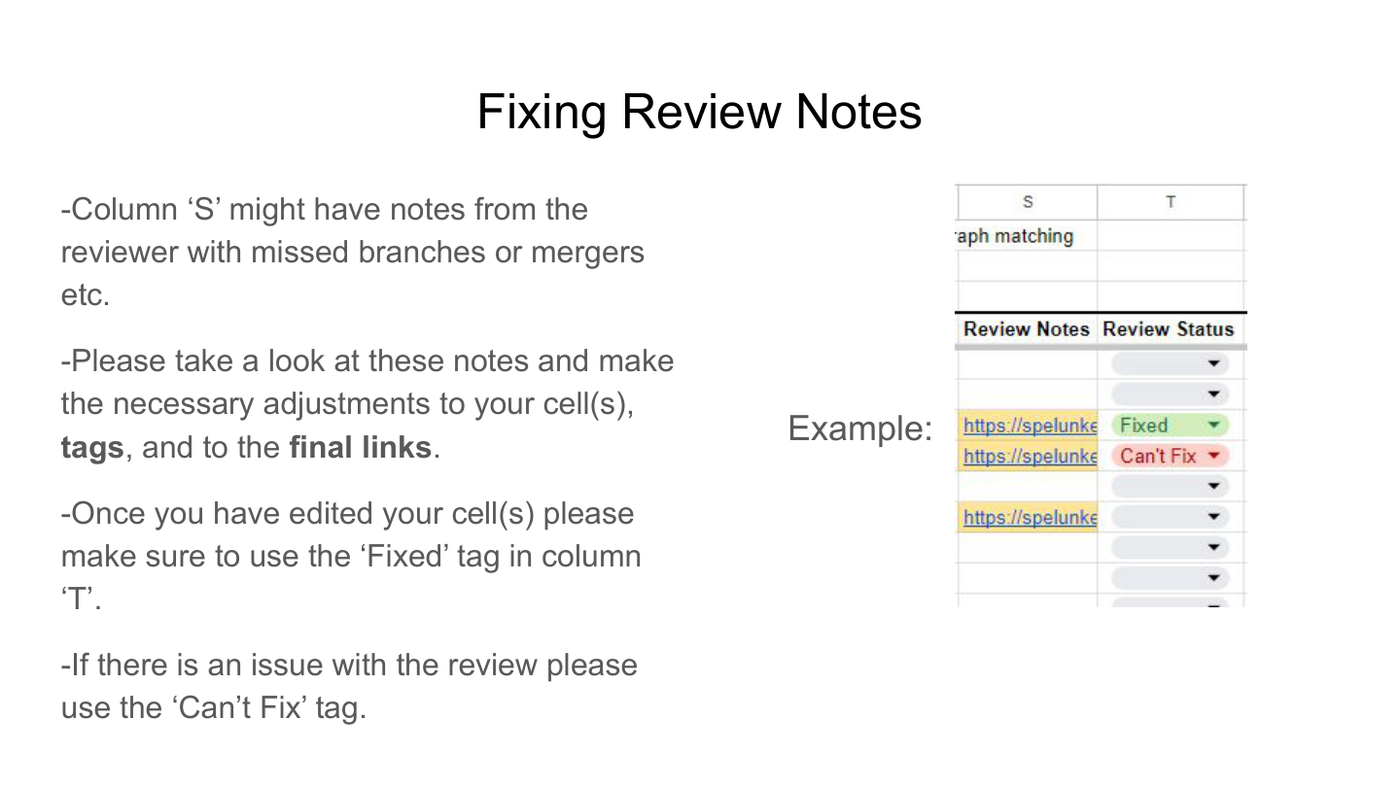
‘Done’: When you’re finished proofreading.
‘No need for proofreading’: Cell didn’t need proofreading.
‘Need 2nd opinion_proofreading’: Cell has a tough to resolve issue. (Note there is a similar tag “Need 2nd opinion_not sure a good match”.
Please do NOT mix up with this one)
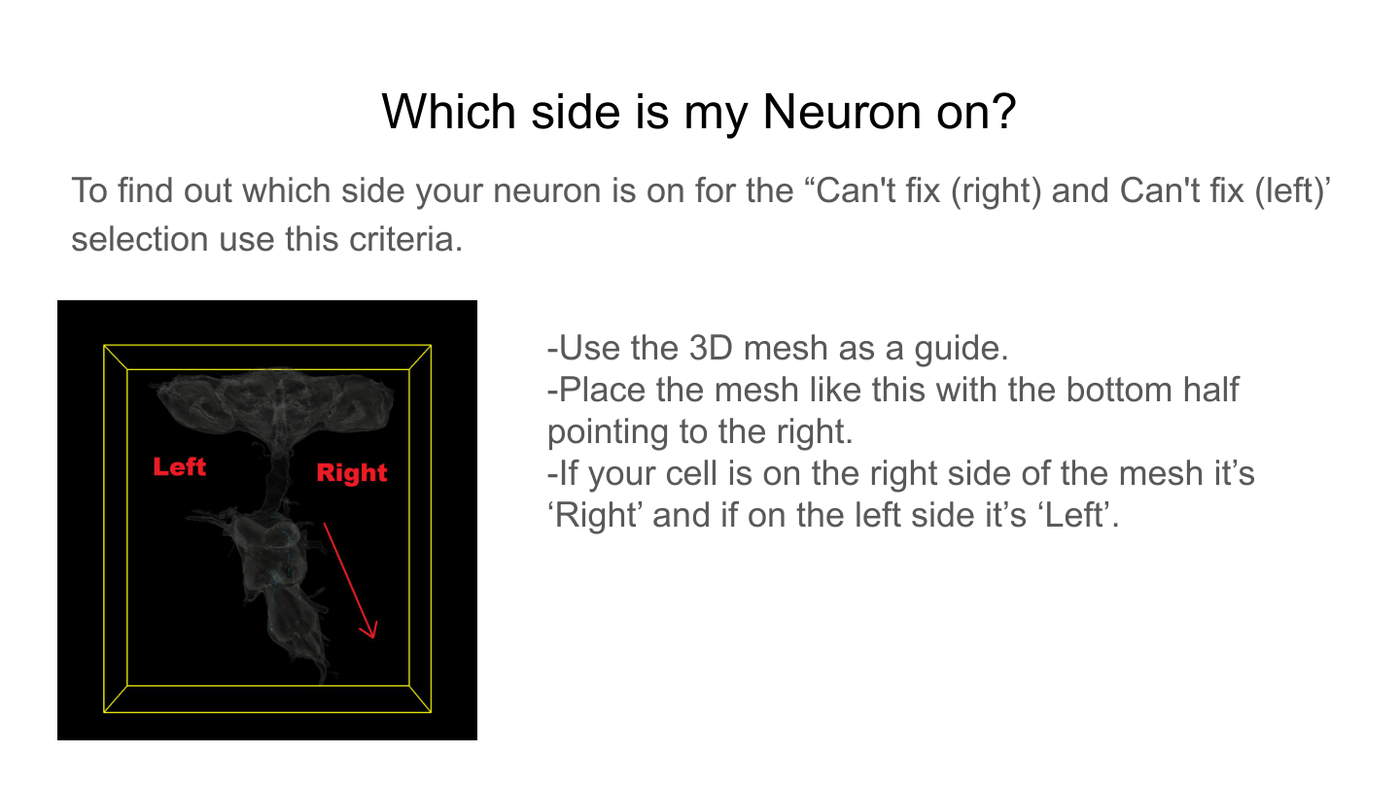
‘Can't fix (left)’ or ‘Can’t fix (right)’: If you’re cell has a major issue that prevents proofreading label it with the appropriate side ‘Can’t Fix’
Label.
Step 7: Share your final link in the ‘O’ column.
Step 8: Mark "backbone proofread" in banc-bot.